Choose your apps
Create a group for work, study, rest, or time together.
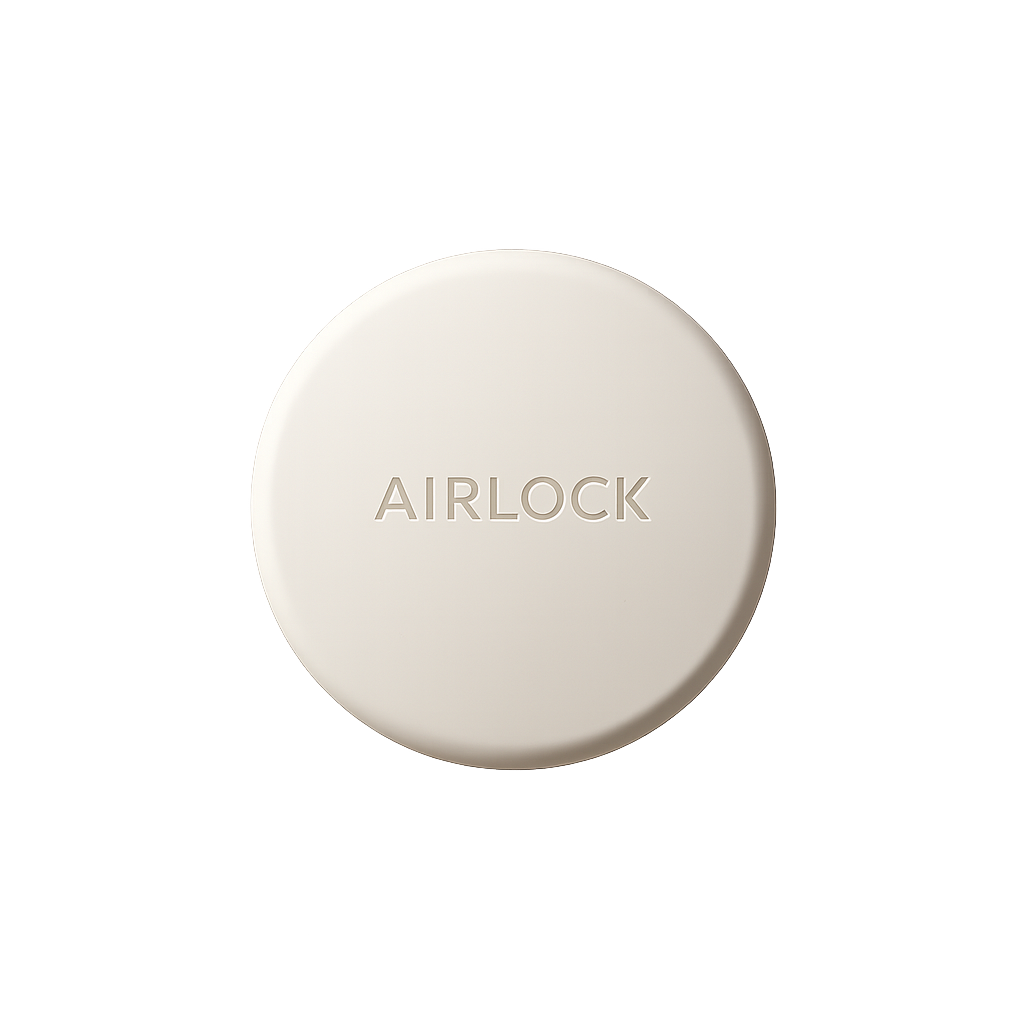
Tap your phone to lock distracting apps. Tap again when you are ready to use them.
Choose the apps you want out of reach. Airlock adds one deliberate physical step between an impulse and opening them again.
Create a group for work, study, rest, or time together.
Hold your iPhone near the device to lock that group.
Return to Airlock and tap again when you are done.
Select any group in the app before you tap. The same Airlock works for every routine.
Keep distracting apps out of reach while you work.
Protect a focused hour.
Leave late-night feeds outside bedtime.
Put the people in front of you first.
One device works with every group you create in the app.
NFC focus device
Delivery availability is confirmed at checkout.

You can use Airlock without the physical device too. Start and end app-blocking sessions directly from your iPhone.